- Product

- Pricing
- Affiliate Program
- Developers
- Resource
 EN
ENRun real Android phones in the cloud, powered by ARM chips. Manage apps, accounts, automation, and team workflows without physical phones. MoreLogin Remote Phone helps teams create cloud-based Android environments, control them remotely, automate repeated tasks, and scale mobile operations from one dashboard.
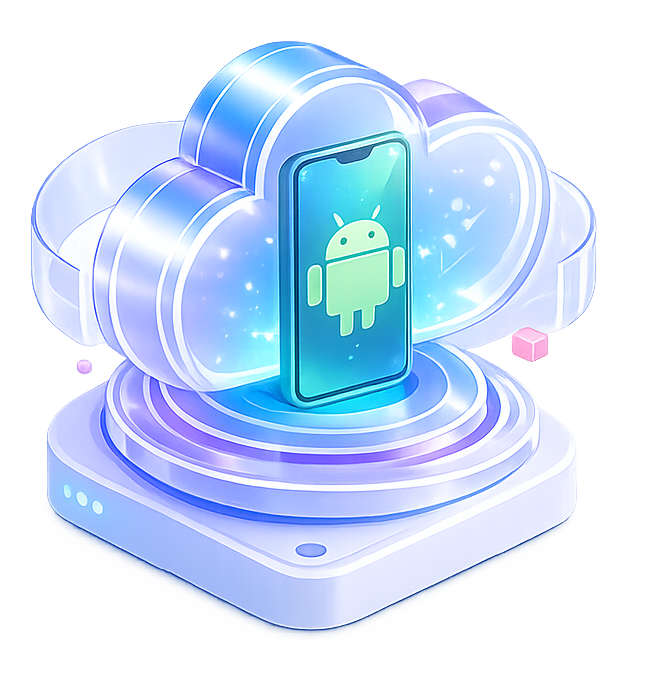
A remote phone is an Android phone that runs in the cloud and can be accessed remotely from your computer.
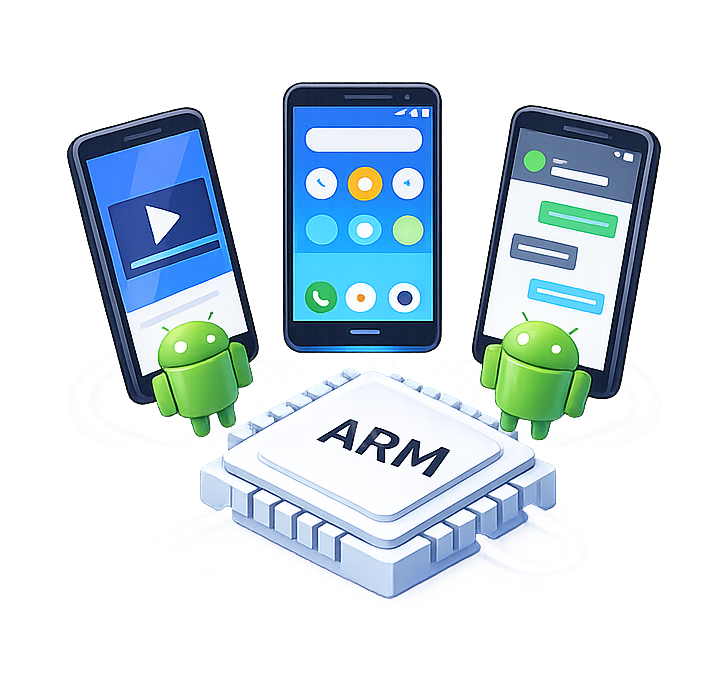
With MoreLogin Remote Phone, each phone is built on ARM-based cloud infrastructure. You can open Android apps, install APKs, upload files, configure proxies, manage phone environments, and run mobile workflows without buying physical phones.
For teams, Remote Phone is more than remote access. It is a scalable way to manage multiple Android environments for social media, affiliate marketing, ecommerce, app testing, ad verification, and automation.

MoreLogin Remote Phone runs on ARM-based cloud infrastructure. Teams can use Remote Phone for app access, account operations, testing, content upload, and Android workflows that need stable mobile performance.

Each MoreLogin Remote Phone has its own device parameters. A remote phone can keep its own device profile, app data, proxy configuration, and usage record. This is useful when teams need cleaner environment separation for account operations, testing, social media work, or regional tasks.

Teams do not need phone racks, USB cables, chargers, local storage, or high-performance computers. Remote phones run in the cloud and can be accessed from the dashboard.

Morelogin Remote Phone lets teams scale Android workflows without buying physical devices. Start with a few cloud Android environments, add more as needed, and pay only when phones are running.

MoreLogin Remote Phone supports both no-code automation and technical automation, also supports connections with n8n, Make, and Zapier, so teams can build larger workflows around mobile tasks.

MoreLogin Remote Phone is built for team use, not only individual use. Instead of sharing physical phones or local emulator folders, teams can manage access from one dashboard.
Run real Android environments in the cloud, powered by ARM chips. Each cloud phone comes with an independent device fingerprint, making it ideal for mobile account isolation, app operations, and long-term account management.
You get the experience of Android devices without buying, maintaining, or carrying physical phones. Create, access, and manage cloud phones remotely from one MoreLogin workspace.
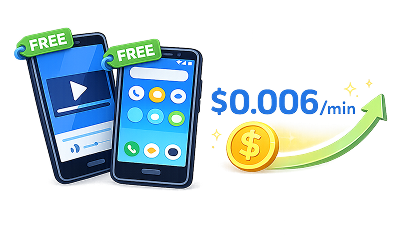
Start using cloud phones with no complex setup. MoreLogin gives you 2 free Android environments and 100 free minutes, so you can test real workflows before scaling.
Pay only when your cloud phones are running, starting at $0.006/minute. When your business grows, you can quickly add more Android environments without extra hardware costs or setup time.
Automate repetitive mobile operations with built-in Synchronizer and RPA templates. Control one phone and sync actions across multiple devices, or create drag-and-drop RPA workflows for daily tasks like setup, app operations, content input, and batch actions.
For advanced automation, MoreLogin also provides API, CLI, MCP, and SKILL support, so developers and AI Agents can manage cloud phones through code.
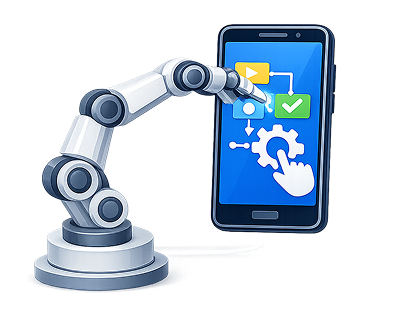


MoreLogin Remote Phone gives teams a cleaner way to run Android workflows in the cloud. You can start without physical phones, manage multiple Android environments from one dashboard, work with your team, batch operations with Synchronizer, and automate repeated tasks with RPA, API, and ADB.


A remote phone is a cloud-based Android phone that you can access and control online. It lets you run Android apps without using a physical phone.
Yes. MoreLogin Remote Phone runs Android environments on ARM-based cloud infrastructure, which is closer to real mobile device performance than traditional PC-based emulator software.
Yes. You can install apps, upload APKs, upload files, configure settings, and prepare different phone environments for different workflows.
Yes. Admins can assign remote phones to team members, manage permissions, and revoke access when needed.
Yes. MoreLogin Remote Phone supports Synchronizer, RPA automation, API, ADB, MCP, and SKILL for different levels of automation.
No. Remote Phone lets you run Android environments in the cloud, so you do not need to buy, charge, store, or maintain physical devices.
MoreLogin Remote Phone supports flexible usage. You can start with 100 free minutes and pay from $0.006/minute only when phones are running.
 EN
EN